 PicToSize
Make a photo fit the upload form.
Set the limit the form gives you. PicToSize resizes, compresses, and converts the photo, then measures the real file before you save it.
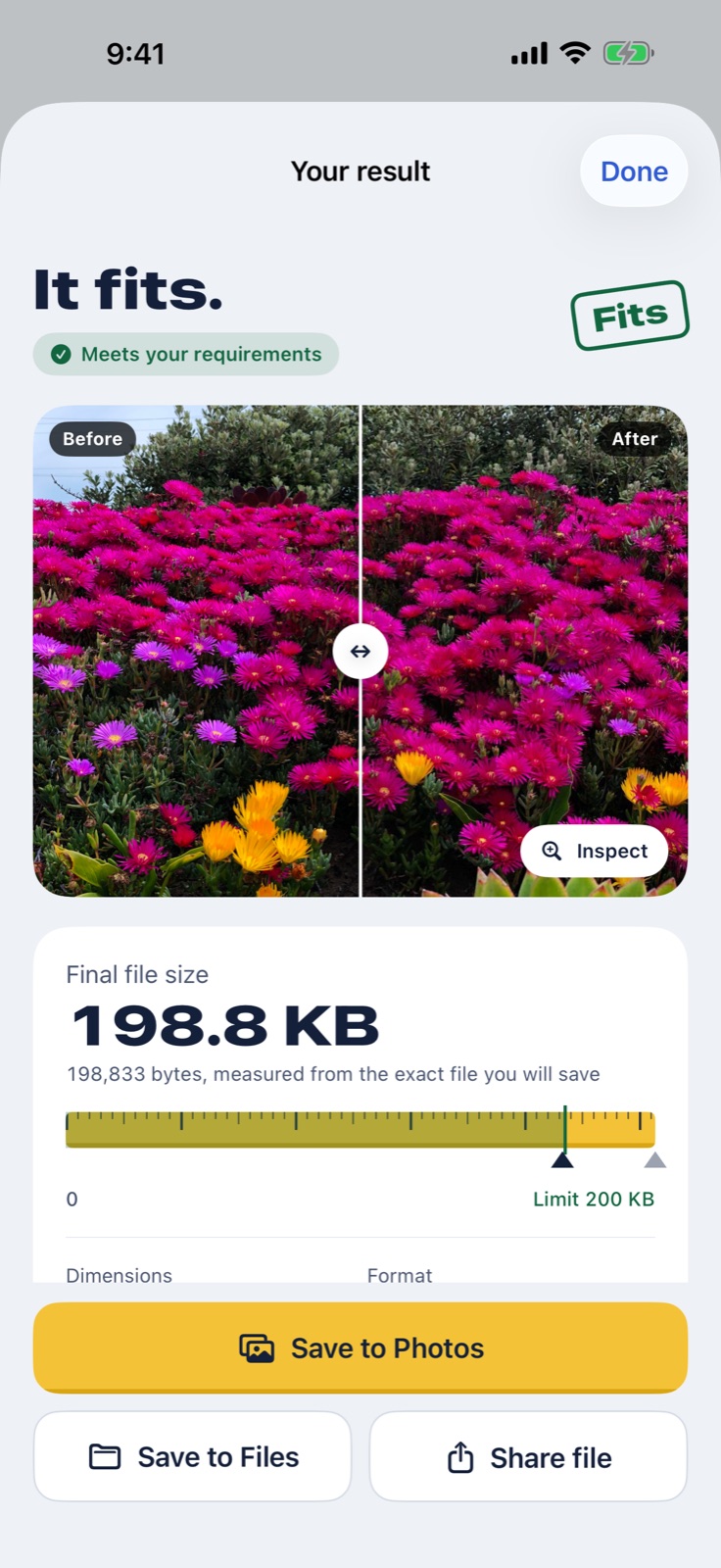
Forms ask for numbers. Your camera does not know them.
A phone photo is 2 to 5 MB, in HEIC, at 12 megapixels. Exam, job, visa, and shop forms ask for something else.
- Under 200 KB
- Signature 10–20 KB
- JPEG, not HEIC
- 140 × 60 px
- 200 × 230 px
- At least 600 × 750 px
- 2 × 2 in at 300 DPI
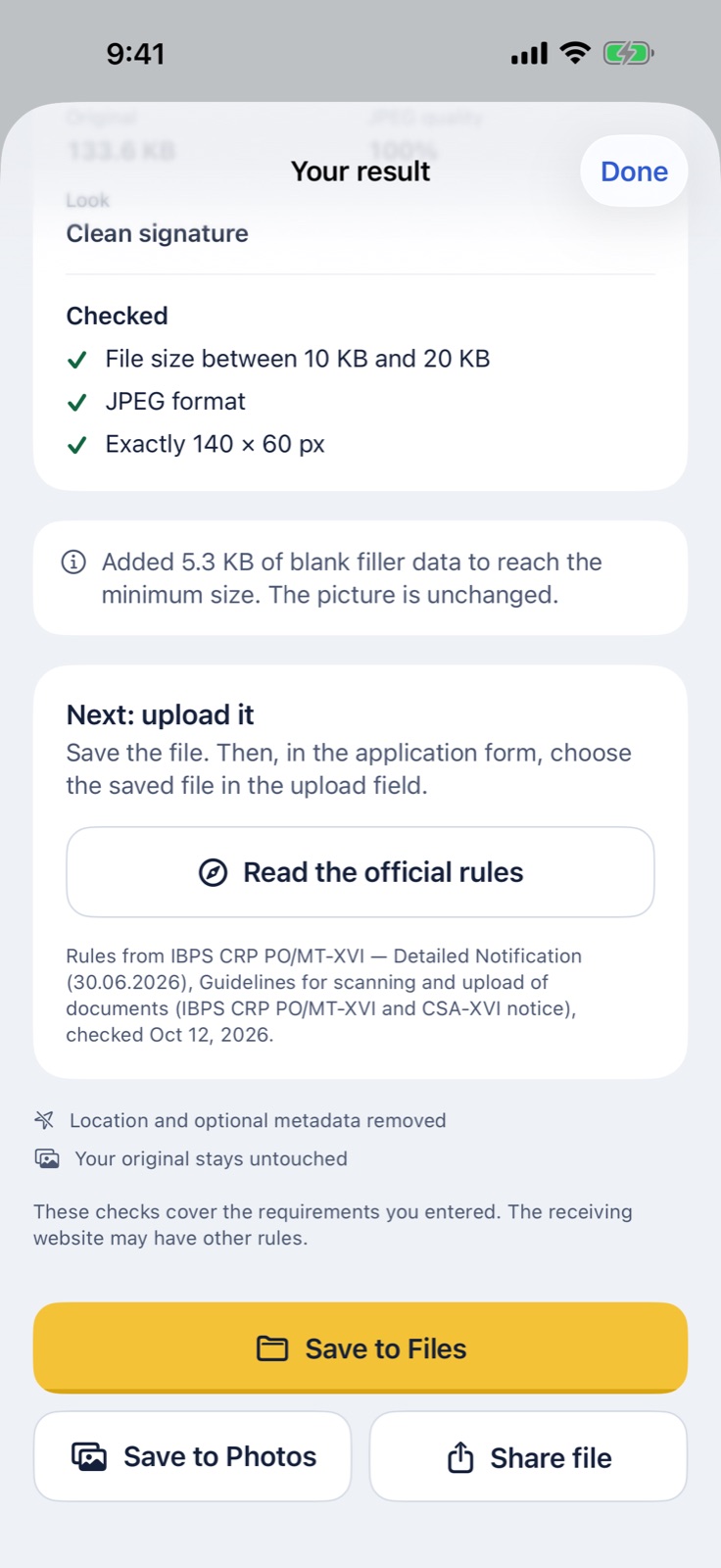
PicToSize checks each rule on the exact file you will save, and lists what it checked. If a limit cannot be met, it tells you why and what to change. It never gives you a broken file.
Three steps, then upload.
-
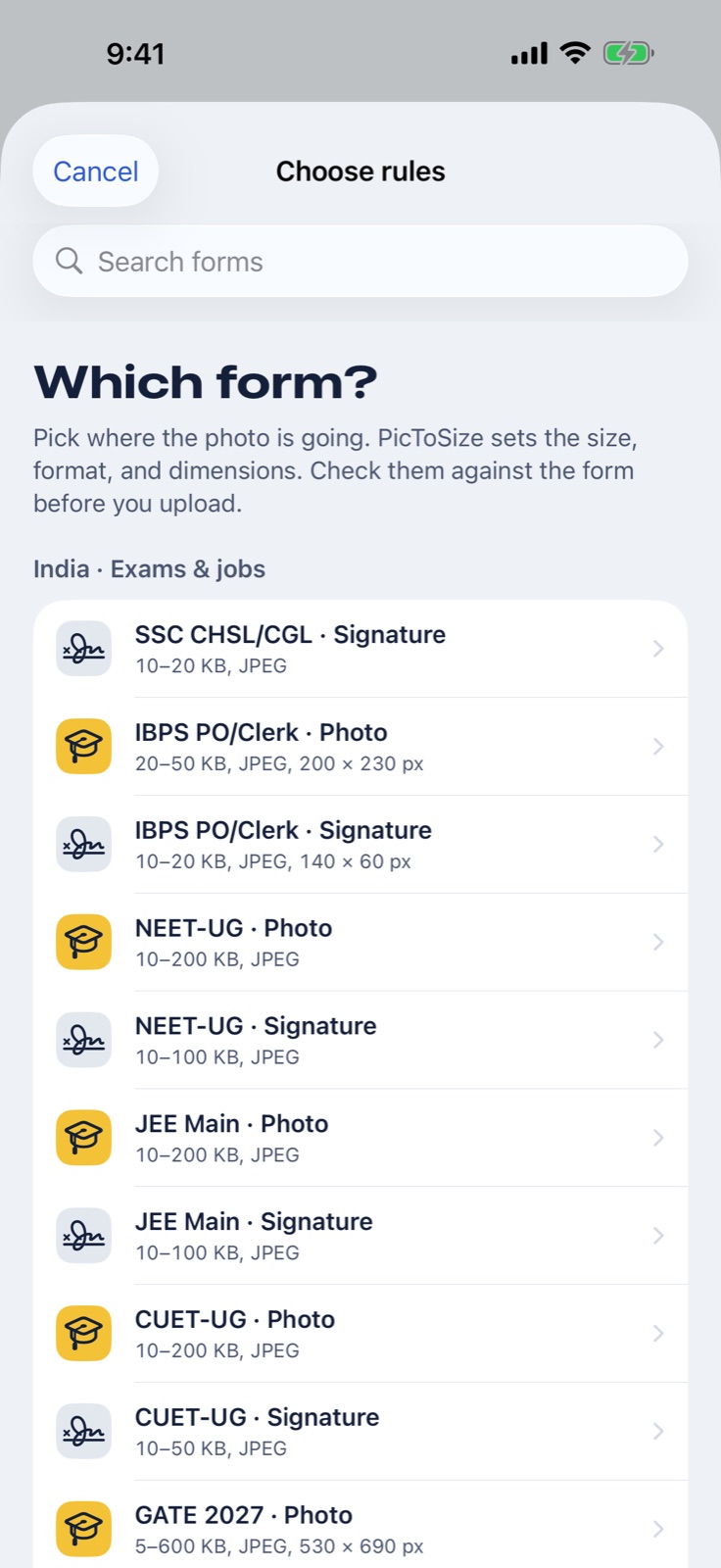
Pick the form
Choose a form, or type the limits yourself: KB or MB, JPEG or PNG, pixels, cm, or inches.
-
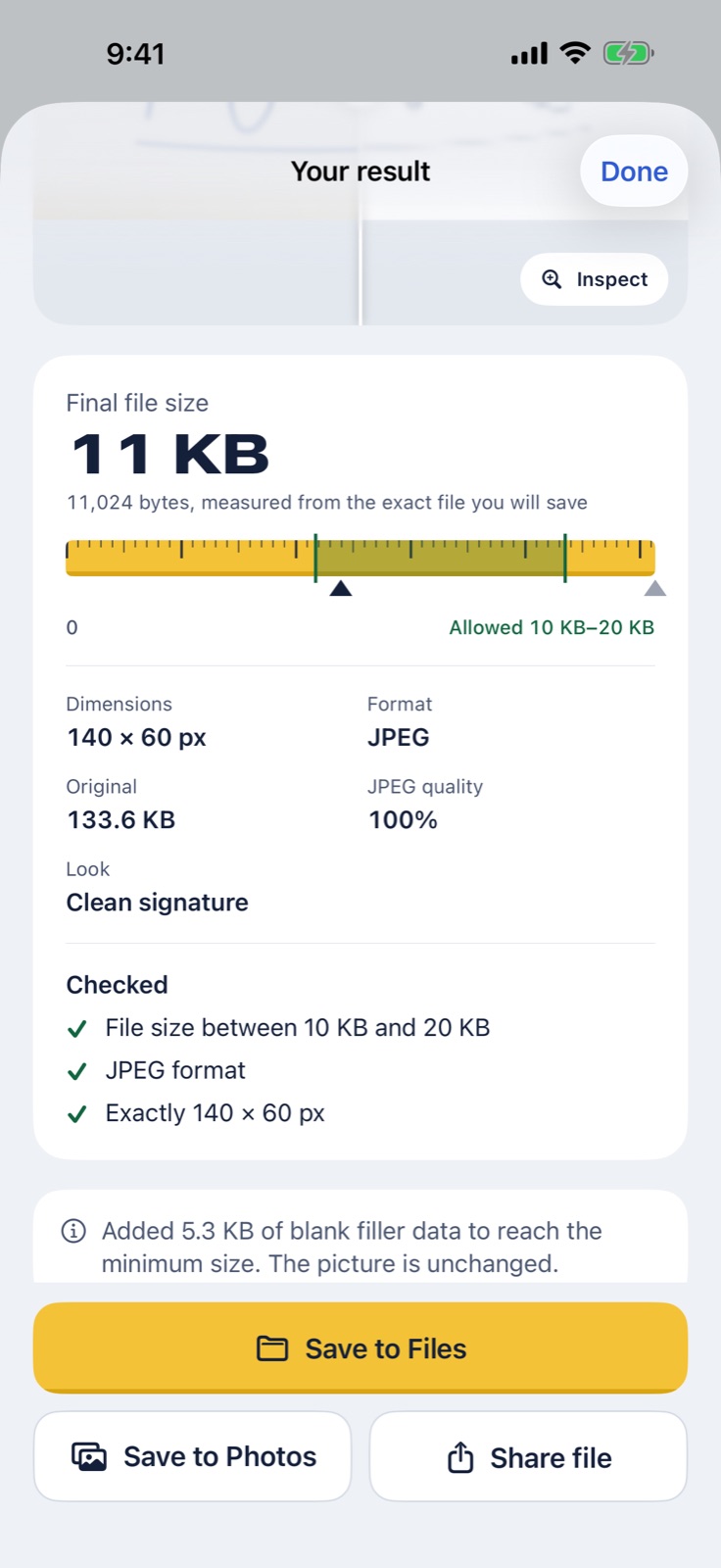
Check the result
See the final size, pixels, and format. Drag to compare before and after. Zoom in on small text.
-
Save and upload
Save to Files or Photos, or share the file. Then choose it in the form's upload field.
Starting rules for real forms.
Each one links to the official page it came from and shows the date we checked it.
Rules change. Confirm the numbers on the form before you upload. PicToSize checks file size, format, and pixels. It cannot check background, pose, or face position, and it is not connected to any exam body, government, or website.
- SSC CHSL/CGLSignature
- IBPS PO/ClerkPhoto and signature
- NEET (UG)Photo and signature
- JEE MainPhoto and signature
- CUET (UG)Photo and signature
- GATE 2027Photo and signature
- UK passportOnline photo
- YouTubeThumbnail
- LinkedInProfile photo and banner
- XProfile photo and header
- Shopify and EtsyProduct and listing photos
- Your ownSave up to 20 sets of rules
Your photos stay on your phone.
- Processed on your deviceNo upload to us. No servers. No account.
- Hidden details removedLocation and camera details are taken out of the file you save.
- Your original is safePicToSize writes a new file and never changes the photo you picked.
- No ads, no trackingThe App Store privacy label is "Data Not Collected". Read the privacy policy.
Free to try. Pay once.
free exports, with unlimited previews. You see the result before you use one.
one time, in the US. Unlimited exports, batches of up to 20 photos, and saved rules. No subscription.
Prices in other countries are set by the App Store in your currency.